Sunp logoSunp
Sunp for Suno-style AI music creation

Sunp AI Music Generator

Create Sunp songs from prompts, lyrics, or scene ideas with a Suno-style workflow for full songs, instrumentals, vocals, stems, and extensions.

Free tries availableSuno-style full songsCommercial use on paid plans

Hear what Sunp can create

Preview full-song ideas, creator background tracks, and quick loops before choosing the Sunp workflow that fits your next prompt.

Choose your Sunp workflow

Start with the music task you actually have

Whether you came looking for a Suno-style song generator or a practical way to finish a track, choose the path that matches the input in front of you.

Sunp AI Music Generator
Prompt to song

Prompt-first creators, songwriters, teams

Sunp AI Music Generator

Turn a plain-language idea into a complete song direction with vocals, arrangement, and production intent.

  • Write the genre, scene, mood, audience, or short story behind the track.
  • Generate a full-song draft when you want a complete result without starting from separate tools.
  • Keep the strongest take as the base for extension, stems, vocal removal, or publishing prep.
AI Lyrics Generator
Words first

Lyric writers, topliners, hook testers

AI Lyrics Generator

Shape the words before committing generation credits to a full song.

  • Draft hooks, verses, bridges, and chorus options from a theme or emotional angle.
  • Test whether a line sings well before turning it into melody and vocal phrasing.
  • Move the best lyric version into a lyrics-to-song flow instead of pasting a rough note.
Text to Music
Scene to instrumental

Video editors, podcasters, product teams

Text to Music

Create instrumental music from a creator brief when vocals would get in the way.

  • Describe a YouTube intro, podcast bed, product demo, game loop, or short-form scene.
  • Specify pace, energy, instrumentation, and the moment the track should support.
  • Generate usable background directions without searching stock libraries first.
Lyrics to Song AI
Lyrics to finished track

Songwriters, poets, lyric-first creators

Lyrics to Song AI

Use your own lyrics as the anchor for melody, vocal delivery, sections, and arrangement.

  • Paste a verse, poem, hook, or nearly finished lyric and keep the words central.
  • Add genre, tempo, vocal tone, and production notes to steer the song around the text.
  • Create a playable lyric-first track when a simple prompt is not specific enough.
Vocal Remover & Stem Splitter
After generation

Cover creators, remixers, producers

Vocal Remover & Stem Splitter

Break a promising song into useful parts after the full mix exists.

  • Use Vocal Remover for a focused split into Vocals and Instrumental.
  • Use Stem Splitter for Vocals, Drums, Bass, Other, Guitar, and Piano when you need more control.
  • Prepare covers, remix drafts, karaoke cuts, practice material, and review versions from one saved take.
Post-production Tools
Deeper editingAfter audio exists

Advanced creators, producers, editors

Post-production Tools

Continue working on a song after the first generation gives you something worth saving.

  • Extend a good section when the hook works but the song needs more room.
  • Use Audio to MIDI and MIDI editing for source audio that needs note-based follow-up.
  • Keep the workflow focused on improving strong takes instead of restarting from scratch.

Suno-adjacent AI music, clearly independent

What Sunp is

A clear view of how Sunp helps with AI music generation, what it is independent from, and where commercial use applies.

Independent from Suno

Sunp is an independent AI music generator. It is not affiliated with, endorsed by, or sponsored by Suno.

Sunp AI Music Generator

Use Sunp to turn prompts, lyrics, scenes, and creator briefs into full-song drafts and instrumental ideas.

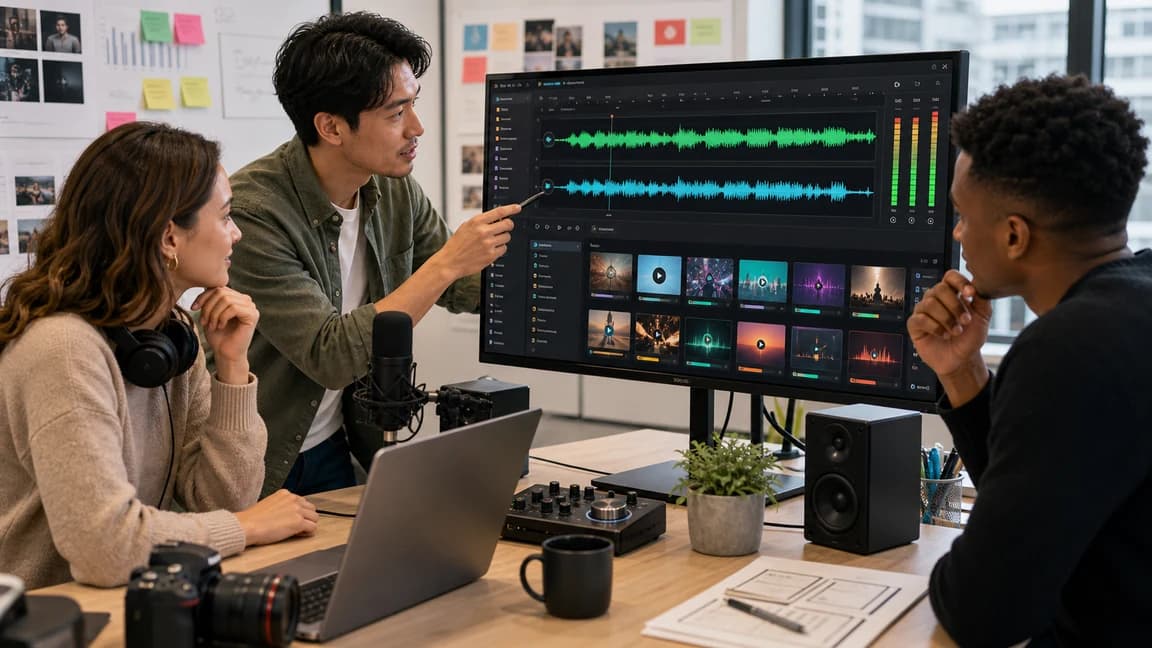
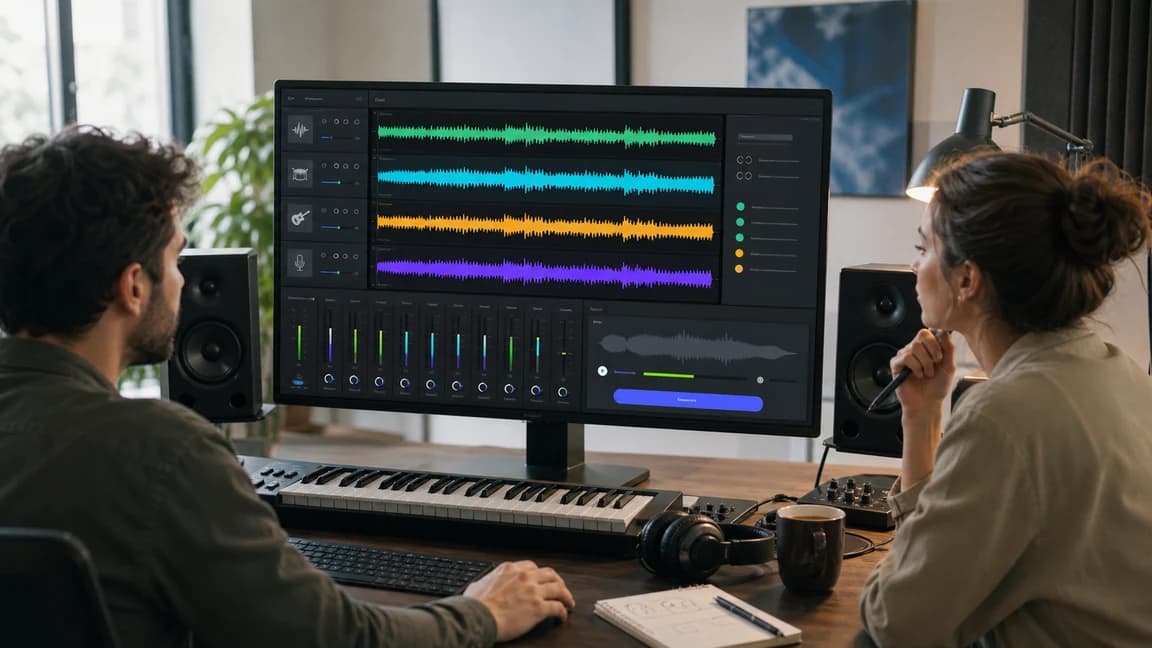
Creators shaping AI music direction together

When the result has the right spark, extend it, split stems, or remove vocals so the best take keeps moving instead of disappearing into another prompt.

Suno-style creation workflow

Sunp supports prompt-to-song, lyrics-to-song, text-to-music, vocal removal, stem splitting, and song extension in one browser workflow.

Commercial usage on paid plans

Paid plans are the path for commercial publishing, certificate access, and repeatable project use under the current License Agreement.

A practical prompt-first creation workflow

A clearer path from prompt to song asset

Sunp keeps the workflow simple: capture the idea, generate the strongest direction, reshape the audio, then review rights before the track leaves your workspace.

Create

Start where your idea actually starts

Begin with a search-style prompt, finished lyrics, a mood note, or a creator brief, then choose the generation path that matches it.

  • Use the AI Music Generator when you want a full song from a compact idea.
  • Use lyrics-first and text-to-music paths when the input is more specific than a generic prompt.
  • Compare directions early so the best idea becomes obvious before you spend time polishing.
Start with a Prompt
Start where your idea actually starts

Produce

Generate audio you can judge quickly

Move from idea text to music you can play for yourself, a collaborator, a client, or an editing timeline.

  • Create song drafts, lyric-based tracks, or instrumentals with enough context to review.
  • Add genre, tempo, vocal tone, and use-case notes so the output answers a real brief.
  • Use generated tracks for demos, social clips, podcasts, videos, and brand tests before final release.
Generate Your Track
Generate audio you can judge quickly

Edit

Refine the take that is closest

Treat generation as the beginning of the workflow, then use audio tools to shape the track into something more useful.

  • Extend a promising section when the song needs a longer arc or alternate ending.
  • Split stems when you need more control over Vocals, Drums, Bass, Other, Guitar, or Piano.
  • Remove vocals for instrumental, karaoke, practice, cover, or remix preparation.
Refine a Track
Refine the take that is closest

Publish

Check rights before the track goes public

When a generated song is moving toward a channel, campaign, client project, or paid use, confirm the plan and license path first.

  • Use an Active Paid Subscription when the music is for publishing or business work.
  • Review license guidance before using generated music in videos, podcasts, games, ads, or client deliverables.
  • Keep your generation history and usage context easier to explain when a project needs proof.
Review Commercial Use
Check rights before the track goes public

How Sunp turns prompts into songs

How to generate a song with Sunp

1

Move 1

Write the song target

Start with the outcome you want: a full song, a lyrics-first track, an instrumental cue, or a prompt-to-song direction.

2

Move 2

Generate a few directions

Create versions with different style notes, energy levels, vocal ideas, or use cases so you can hear what fits fastest.

3

Move 3

Keep working on the best take

Extend, split stems, remove vocals, or download the result once a version is strong enough to move forward.

Who uses Sunp

Built for creators who need a song direction now

Sunp is useful when a song idea, video brief, channel identity, or campaign moment needs music before the production window closes.

For YouTubers

For YouTubers

Challenges

  • A video often needs an intro, background bed, or transition that matches the channel instead of a generic stock loop.
  • Publishing slows down when every music search starts from a blank library search.

Sunp approach

  • Describe the episode topic, channel tone, and pacing, then generate a few music directions to test against the edit.
  • Use full-song generation for intros or themes and text-to-music for lower-profile background cues.
Original BGMVideo themesFast publishing
For Podcasters

For Podcasters

Challenges

  • A show needs a repeatable sonic identity, but custom music can be hard to brief and expensive to revisit.
  • One-off free tracks can make segments feel unrelated from episode to episode.

Sunp approach

  • Build a reusable prompt pattern for intros, ad breaks, recaps, and episode beds.
  • Generate subtle variations while keeping the same mood, tempo range, and instrumentation cues.
Show identityEpisode bedsRecurring cues
For Filmmakers

For Filmmakers

Challenges

  • Early cuts need score direction before there is budget or time for a full custom composition.
  • A mismatched cue can make a scene feel slower, cheaper, or less emotional than the edit deserves.

Sunp approach

  • Brief the scene objective, emotional turn, and pacing, then generate reference cues for review.
  • Use stems or vocal removal after generation when a cue needs cleaner placement under dialogue.
Scene cuesPitch editsTemp score
For Advertisers

For Advertisers

Challenges

  • Campaign cuts need hooks, beds, and endings that work across multiple lengths and placements.
  • Overused library tracks can weaken a product launch and create last-minute rights questions.

Sunp approach

  • Generate music directions from the product promise, audience, tempo, and format constraints.
  • Compare hook strength and energy levels before choosing the version that supports the message.
Campaign hooksSocial adsProduct launches
For Music Composers

For Music Composers

Challenges

  • Deadlines can turn a blank session into the hardest part of the project.
  • It is useful to hear references, lyric angles, or alternate arrangements before opening a deeper production session.

Sunp approach

  • Use Sunp for fast sketching when you need a melody mood, lyric seed, or genre reference.
  • Treat generated outputs as material to analyze, extend, separate, or rebuild in your own workflow.
Idea startsReference draftsArrangement tests
For Brands

For Brands

Challenges

  • Audio choices across ads, product videos, and social posts can drift when every team picks music separately.
  • A consistent sound is hard to maintain when each project starts from a different source.

Sunp approach

  • Create repeatable prompt templates for launch music, product explainers, social cuts, and brand beds.
  • Keep generation, refinement, pricing, and license review close together so the final track has context.
Audio identityLaunch assetsPrompt library

Frequently asked questions

What is Sunp?

Sunp is an AI music generator for creating songs, instrumentals, lyrics-to-song tracks, and editable audio assets from simple prompts.

Is Sunp the same as Suno?

No. Sunp is independent and is not affiliated with, endorsed by, or sponsored by Suno.

Is Sunp a Suno alternative?

Sunp can be used as a Suno-style alternative when you want prompt-to-song generation, lyrics-to-song workflows, instrumentals, and follow-up editing tools. Sunp is independent and is not affiliated with, endorsed by, or sponsored by Suno.

Can Sunp help before I have finished lyrics?

Yes. You can draft hooks, verses, choruses, and song concepts first, then use the stronger lyric direction as input for a full song.

Can Sunp make music without vocals?

Yes. Text to Music is useful for instrumental cues, creator background music, podcast beds, product demos, game loops, and social content.

Which tools are part of the Sunp workflow?

The main creation paths are AI Music Generator, Lyrics to Song AI, Text to Music, and AI Lyrics Generator. After a track exists, you can use tools such as Extend Song, Vocal Remover, Stem Splitter, Audio to MIDI, and MIDI editing where they fit the source audio.

Can paid users publish Sunp tracks commercially?

Active paid subscriptions include commercial usage rights and certificate access under the License Agreement. Review the current license before using generated tracks in client work, ads, games, videos, podcasts, or other public releases.

Can beginners use Sunp?

Yes. Sunp is designed around plain-language inputs, so you can start with a mood, genre, lyric, scene, or short creative brief.

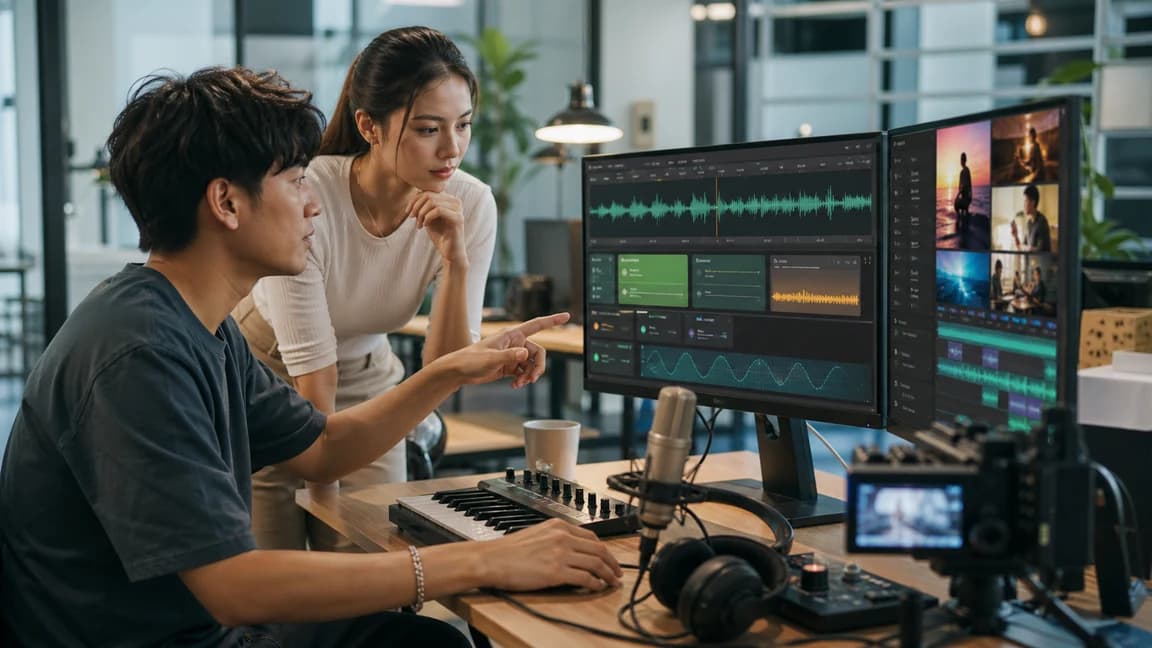
Creator ready to turn a brief into AI-generated music

Turn the next prompt into a song direction

Use Sunp when a prompt-to-song search, lyric idea, video scene, or campaign brief needs music you can hear, compare, and refine.